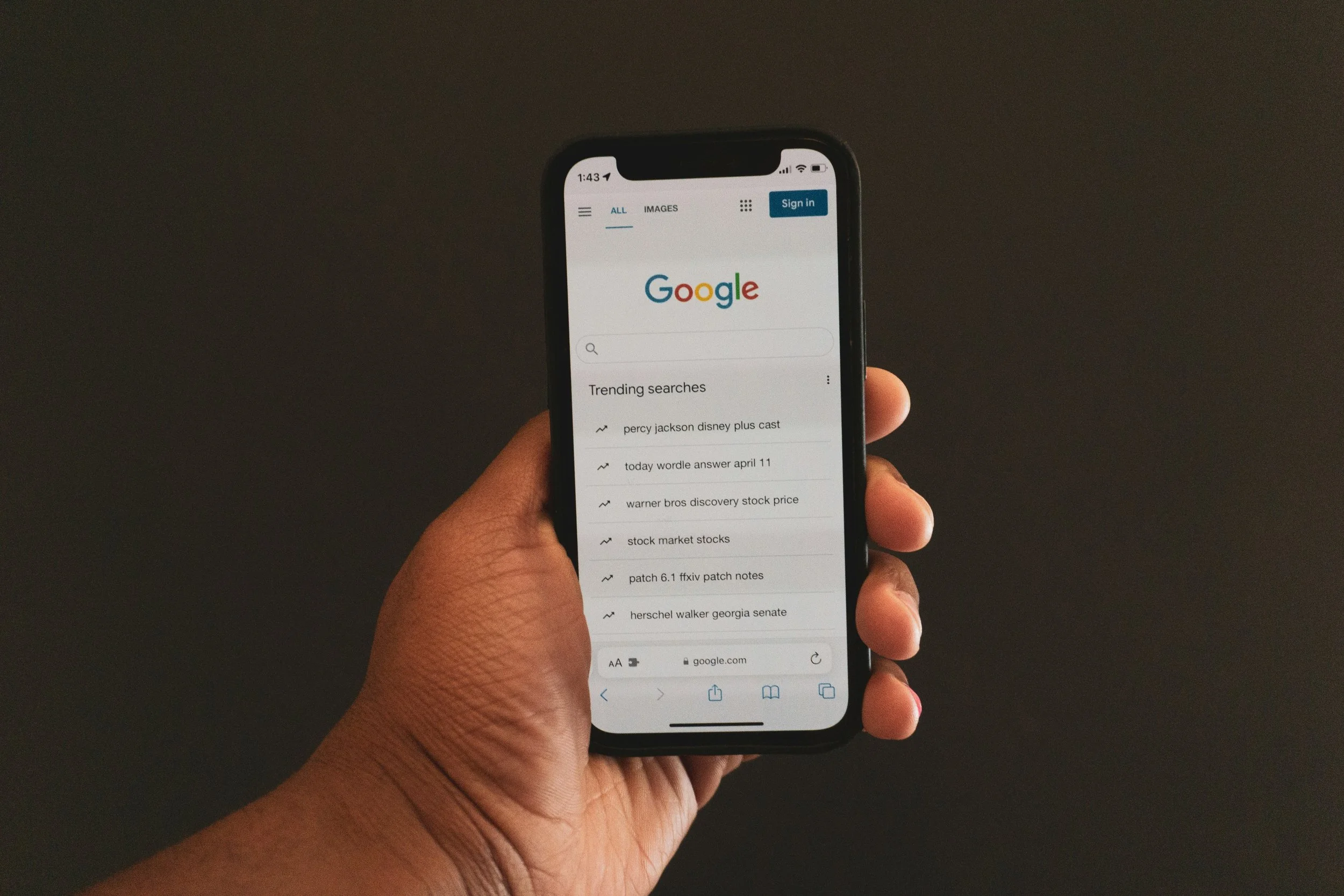
Unchecked SEO spam has been plaguing Google for years, and it is showing no signs of stopping. SEO spam minimizes the work of thoughtful website design and prioritize fraudulent strategies to boost content in search engine rankings. However, by understanding how SEO spam is dramatically affecting search rankings, we can learn a great deal from it. By fairly and thoughtfully implementing the following strategies that scammers are taking advantage of, your business can boost its website’s SEO while beating out any potential spam that may be getting in the way of users finding your content.
In this month’s Byte Sized Culture, lead researcher Julia Srnec writes about Giving Tuesday in the age of AI, how AI and local LLMs are changing grant writing for artists and non-profits, and AI authentication of artwork.
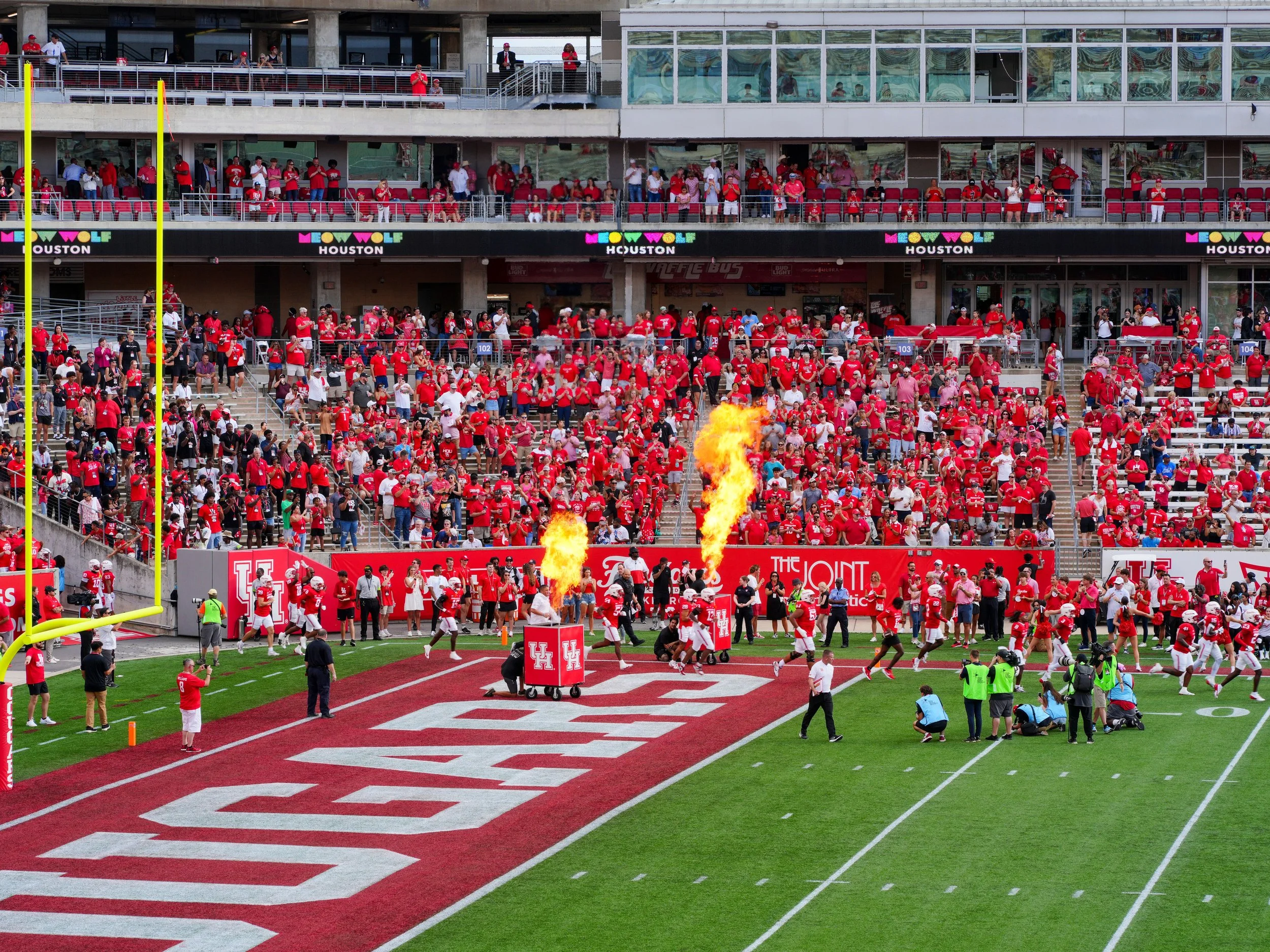
In Part 1, our research team explored the current state of regional sports networks (RSNs) and the challenges FanDuel Sports Network (FDSN) faces as the sports media landscape shifts. Part II focuses on our qualitative and quantitative research to examine how FDSN’s audience discovers content, how integrating gambling elements into FDSN’s content affects audience engagement, and whether that integration helps consumers discover content. The survey was distributed through digital platforms (e.g., social media and online communities) to reach active sports audiences. Team members also interviewed five sports media experts who offered informed, decisive opinions on the state of the industry.
The regional sports network (RSN) model, and sports media in general, has experienced severe disruption from the streaming revolution. To adapt, RSNs, like FanDuel Sports Network (FDSN), have been forced to update their business models, adopt DTC streaming strategies, and renegotiate their distribution agreements. As cord-cutting accelerates and the streaming landscape becomes increasingly saturated, RSNs must find new ways to differentiate themselves and capture consumers’ limited attention. A defining challenge for FDSN is determining whether its naming-rights partnership with FanDuel Sportsbook and the broader integration of gambling-related content into live broadcasts can meaningfully drive audience discovery and engagement. In Part II, our research team will present data and findings from our research, and reflect on their implications for FDSN’s content strategy and audience growth objectives.
With many arts organizations and artists already feeling behind in their digital presence (‘Is it already time to update the website again?’), Google’s AI Overview might be baffling—not only because it's been adopted so quickly, but also because it feels unpredictable. How are arts organizations showing up (or not) in AI search? To find out, contributor Cole Schubert conducts an experiment by running four search queries on six of the top artistically vibrant cities in the United States.
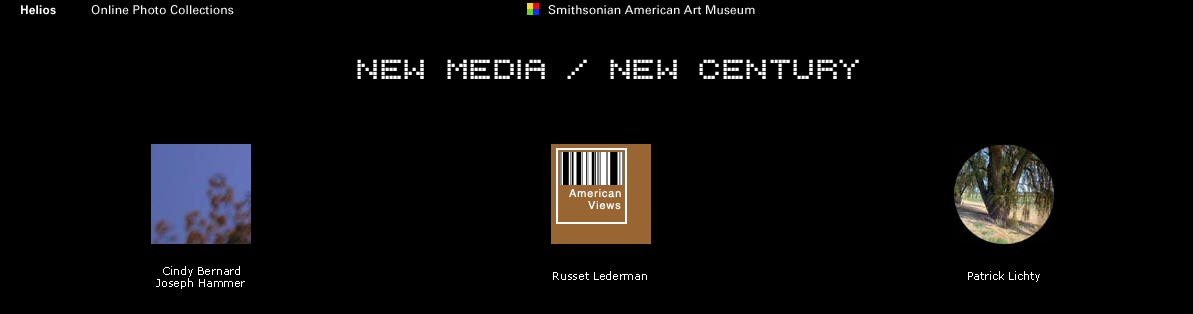
In 2000 the Washington DC based Smithsonian American Museum of Art announced the creation of the New Media/New Century Award. The New Media/New Century Award became one of first projects to support new art created for the Web. The museum accepted proposals for original Web-based projects that explored the subject of American landscape, and how the new medium of Web art affected the American landscape as a subject.
Though the project is over 10 years old, it demonstrates the early and exceptional sensibility of the Smithsonian’s curators. They understood the growing relevance new media art and especially Web-art, and its impact not only on people’s everyday perceptions, but also on the art scene as a whole.
Recently, I’ve been hearing about website creation platforms for artists, musicians, and designers. (They are also great for student portfolios!) These days, many people are starting to focus their efforts on mobile apps or websites, but still more may lack a functional, easy-to-use website in the first place or need a secondary site, like a company intranet or a micro-site for an exhibit or show.
I’ve found four that are worth checking out if you’ve been thinking about creating a website. The interfaces for these website creation platforms are very easy to use, with no coding required. If you have all your copy ready and your songs or artwork prepped, you can create a professional-looking website in about an hour, hosted by the site. Many of them are cheap or even free. Here’s a four tools for creating a website on the fly:
Wix.com: Individual artists and small organizations
One of the easiest, cheapest (free!) options I’ve seen out there is Wix.com. It produces great looking websites, with hundreds of free templates. Best for individuals or small groups, there are lots of options for photographers, designers, or artists here, and I also saw a few modeling/acting pages and a musician page with a music player for musicians or ensembles.
Wix is really good for people who just need something simple and don’t care too much about the site being particularly flexible. For example, I ran into problems posting lengthy text (like a full resume) in the page of the website, because the page sizes are set. Of course, you always have the option to link to an outside page or a PDF if this happens, but it’s important to be aware of the limitations. For this reason, I would recommend this tool to individual artists/ensembles or smaller organizations who just need something simple that they don’t necessarily want to deal with updating very often.
Another disadvantage is that Wix uses Flash, which means that the site cannot be viewed on iPhone, but for sites that will likely be viewed only on desktop/laptop computers or Android phones, Wix is fast, easy, and free.
Google Sites (formerly Google Pages) also has some good options for individual artists, but what really impressed me was the templates built specifically for business collaboration. These sites may be useful for arts managers who are working on projects with outside companies or production managers who are trying to coordinate a design team who are working in 5 different cities in the initial planning phases of a production. Google also emphasizes that many businesses use Google Sites for company intranets or wikis.
There are a number of versatile templates, which you can play around with here.
Maestro WebBuilder: Classical Music Organizations, Ensembles and Artists
For those of you who are still hung up on the Flash-iPhone compatibility issue, I have two tools for you: InstantEncore’s Maestro WebBuilder and WordPress. Maestro WebBuilder is part of the InstantEncore suite of tools for classical music organizations and musical artists who primarily play classical music. (We had a fascinating interview with the COO of InstantEncore a few months ago--check it out.)
What’s great about Maestro WebBuilder is that, by building your website through InstantEncore, you are already set up to pull all the information into a mobile website or app. Maestro WebBuilder is a paid tool, but it's cheap, and it gives you the flexibility to easily convert content on your site into a mobile platform and makes it extremely easy to streamline all your social media presences into one system.
Wordpress: A tool for nearly everyone and everything
When you think of WordPress, you probably automatically think “blog”, but you can also build a nice-looking and functional website on the platform. Of course, it is the ideal choice if you want to fold a blog into your site. For example, the Technology in the Arts blog is run on WordPress. The front page is the most recent blog articles, of course, but we also have a number of “static” pages or pages that change less frequently with (shameless plug) resources for the arts field, publications we’ve produced, and webinars focused on ways that arts managers can use technology to meet their mission and goals.
With WordPress, there are thousands of templates out there, some of which are cheap and some of which are free. You can find a very professional-looking one without spending a lot of money. Ceci Dadisman of the Operagasm blog is a big advocate of WordPress as a way for arts organizations to save money.
It's also a good option if you are not a web expert, but want to/are willing to learn the basics of content management and HTML. It's easy to set up and maintain a basic site, but there's room to grow if you decide to get fancy. There are the thousands of WordPress plug-ins out there that you can download to jazz it up. For example, look at the top of this post. See the box with the number of times this article has been tweeted? That’s a WordPress plug-in! Scroll down to the comments section. Disqus pulls in comments from Twitter and Facebook. That’s also a WordPress plug-in! You have lots of options to connect your site with the greater community.

 Recently, I’ve been hearing about website creation platforms for artists, musicians, and designers. (They are also great for student portfolios!) These days, many people are starting to focus their efforts on mobile apps or websites, but still more may lack a functional, easy-to-use website in the first place or need a secondary site, like a company intranet or a micro-site for an exhibit or show.
I’ve found four that are worth checking out if you’ve been thinking about creating a website. The interfaces for these website creation platforms are very easy to use, with no coding required. If you have all your copy ready and your songs or artwork prepped, you can create a professional-looking website in about an hour, hosted by the site. Many of them are cheap or even free. Here’s a four tools for creating a website on the fly:
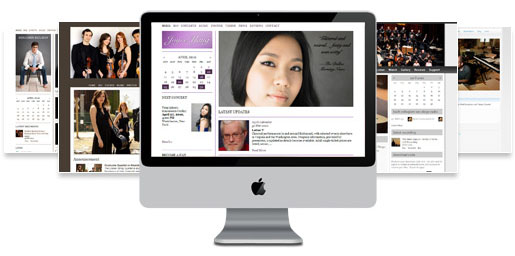 For those of you who are still hung up on the Flash-iPhone compatibility issue, I have two tools for you: InstantEncore’s Maestro WebBuilder and WordPress.